
Content Studio / Getting Started
Introduction
Learn what Content Studio does and how this manual is organized.
What Content Studio Does
Content Studio is a simple content-management system for RapidWeaver Elements. It lets a site owner manage Posts, Events, and selected site images in a browser after the site has been published.
Elements remains the place where you design the site, arrange pages, and configure components. Content Studio provides a focused editing workflow for the content those components display.
The Four Components
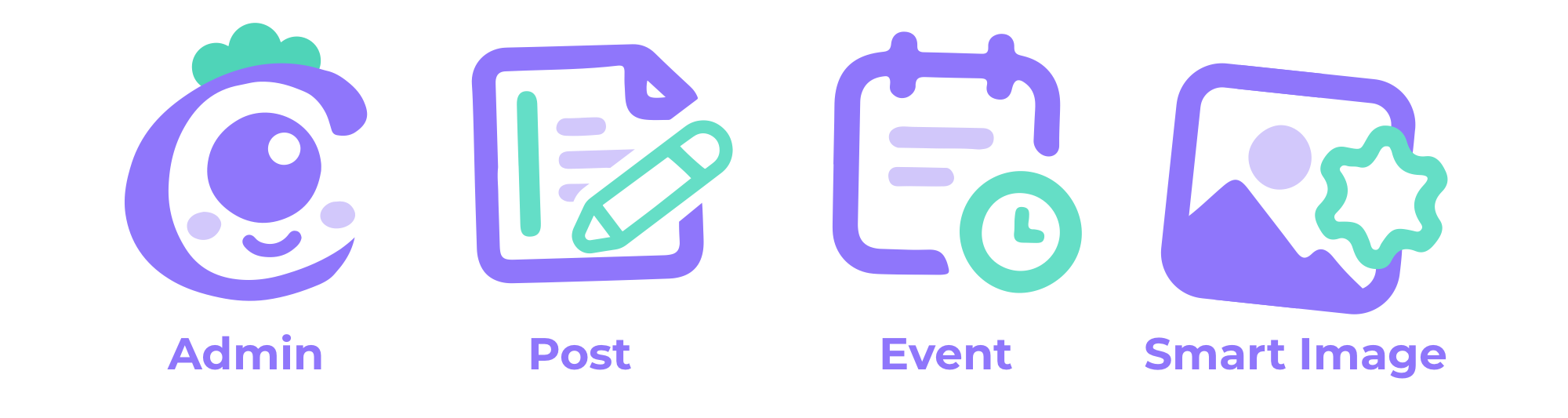
Admin provides the browser-based administration area used to sign in, manage content, work with media, and review system health.
Post List displays published Posts on a public page.
Event List displays published Events on a public page.
Smart Image connects a selected image position in an Elements design to an image that can be updated from Content Studio.
Typical Workflow
1. Build the site and its pages in Elements.
2. Add and configure the Content Studio components the site needs.
3. Publish the Elements project to a PHP-capable web server.
4. Open the published administration page and initialize Content Studio.
5. Sign in to manage Posts, Events, and assigned site images.
About This Manual
This manual covers setup, administration, components, publishing and moving sites, Starter Content, reference information, and troubleshooting. Use the sidebar to read in order or jump directly to a task.